
Welcome back.

If you came from Part 1, you’ve already found the hidden dashboard compartment, the window-rolling key fob trick, and the 4WD Auto mode that most owners drive straight past.
If you’re starting here then go read Part 1 first. Seriously.
For the rest of you: the first nine were the features buried in your settings and storage panels.
These next nine? These change how the truck behaves. How safe it is. How connected you are to it when you’re standing in your driveway in the dark.
Start with #10. It’s the one that matters most if you’ve ever handed your keys to someone you were nervous about.
Table of Contents
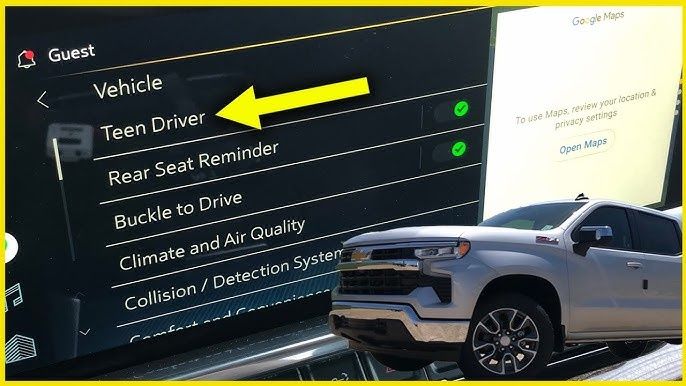
10. Teen Driver Mode Monitors Your Kid and Reports Back
You hand over the keys. You say the things.
You know exactly how convincingly they nodded.
Teen Driver Mode does something no parental pep talk can: it creates a driving report that captures everything that happened while someone else was behind the wheel. Distance driven. How many times the speed limit was exceeded and by how much. Whether the forward collision system fired. Whether the stability control activated.
A report card. For driving. Generated automatically. Every trip.
While the mode is active, the truck enforces its own rules. Maximum speed can be capped the truck won’t exceed it regardless of how far down the pedal goes. Radio volume won’t exceed a set level while seat belts aren’t fastened. The forward collision warning and lane keep assist can’t be disabled by the driver.
You set the PIN. They don’t know the PIN. The mode stays on.
One parent who discovered this feature described the experience of seeing the first report as “immediately humbling and immediately useful.”
The trip was fine. But seeing the actual data instead of “it was fine, we were fine, everything was fine” was a different kind of information.
The mode is in Settings. You need a PIN you set yourself. It takes about three minutes to configure.
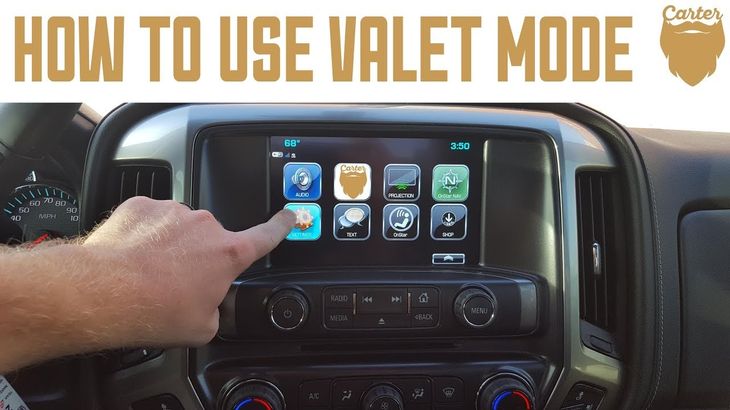
11. Valet Mode Locks Out Your Truck When You Hand Over the Keys
You pull up to the restaurant. The valet is right there.
You hand over the keys.
What’s in the center console? Your registration. The garage door opener for your house. Maybe a spare credit card. Definitely a few things you didn’t think about before you handed a stranger complete control of your vehicle.
Valet Mode locks the center console with a passcode before you hand over the keys. The infotainment system access gets locked too — they can adjust the radio, but they can’t access navigation history, connected phone data, or saved addresses.
They drive the truck. They park it. They bring it back. You unlock Valet Mode when you return.
What they had access to: the steering wheel and the pedals.
What they didn’t: everything else that matters.
The PIN you set is separate from any other vehicle PIN. Takes sixty seconds to set up. Takes another sixty seconds to disable when you’re back behind the wheel.
12. Exit Lighting Stays On Until You’re Safely Away
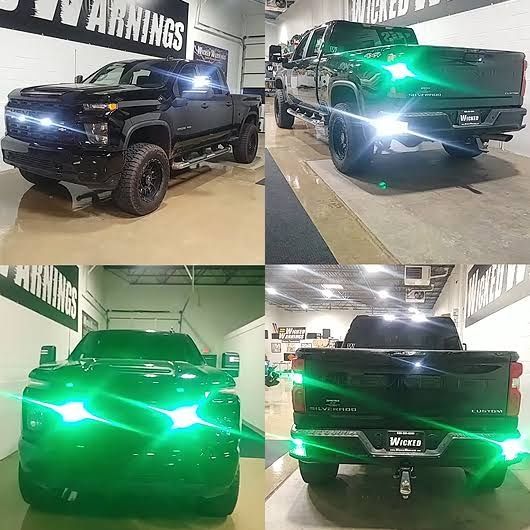
You park in a dark lot. You get out. You start walking toward wherever you’re going.
The truck’s exterior lights — including the side marker lights and the puddle lights on the mirrors — stay on while you walk away. Not forever. A set number of seconds. Then they go off.
This is exit lighting. It exists on the Silverado by default.
What most owners don’t know: it’s adjustable.
Go to Settings > Vehicle > Lighting > Exit Lighting Duration.
Your choices: off, 30 seconds, 60 seconds, 90 seconds, or 120 seconds.
The default on most Silverados is 30 seconds. Enough for a fast walk to a well-lit building. Not always enough for a parking structure, a rural driveway, or anywhere the path from truck to destination involves more than a quick sprint.
Change it to whatever your typical situation requires. It costs nothing. It takes four menu taps.
The people who park in dark areas every night and figure this out feel a very specific frustration: there was a setting for this the entire time. They just had to know where to look.
13. Key Fobs Remember Who You Are
Two drivers. One truck.
Same vehicle, completely different preferences. Seat position — different. Mirror angle — different. Steering wheel height — different. Preferred cluster layout — different. Climate settings — different.
Without this feature: every time drivers switch, someone adjusts everything. Every time. For the entire ownership period.
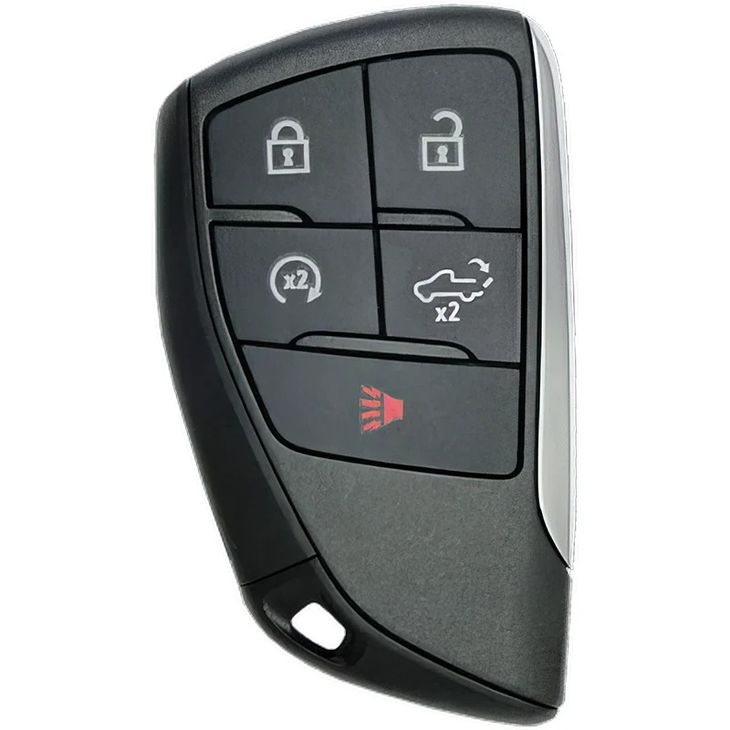
The Silverado can link each key fob to a separate driver profile.
Fob 1 unlocks the truck: seat moves to position A, mirrors go to angle A, steering wheel adjusts to height A, the cluster switches to layout A. Everything that was configured when that profile was set up.
Fob 2 unlocks: everything adjusts to B automatically.
No buttons to push. No menu to enter. The truck reads the fob and does the rest.
Couples who own this truck together and find this feature typically respond in one of two ways: relief, or the specific kind of mild outrage that comes from doing something manually for months when you didn’t have to.
14. The Silverado Monitors Its Own Trailer Wiring in Real Time
You’ve hooked up the trailer. You’ve done the walk-around. Lights look fine from where you’re standing.
But is the brake controller actually sending a signal? Is the left trailer turn signal working or just flashing at an odd rate? Is the 7-pin connection fully seated or just seated enough to work in the driveway?
These are questions that used to get answered on the highway. Or not answered at all, until a state trooper answered them for you.
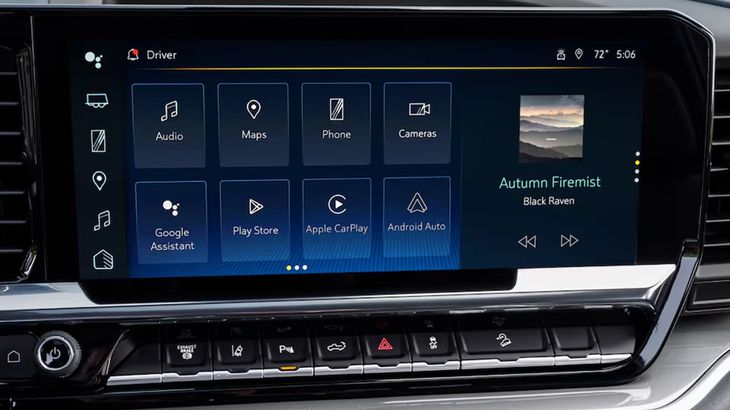
The Silverado’s integrated trailer monitoring system watches the electrical health of the trailer connection while you drive — brake circuits, running lights, turn signals, ground connections — and throws a warning on the instrument cluster if anything changes or drops out.
The warning appears while you’re still at low speed, before you’ve merged into traffic, before the load on the connection has shifted from parking-lot-conditions to highway-conditions.
This is the feature that exists specifically for the moment when everything looked fine and wasn’t. And the drivers who’ve had it catch a wiring fault before a trip — rather than during one — tend to be very enthusiastic about mentioning it.
15. 120-Volt Outlets in the Bed Turn Your Truck Into a Job Site
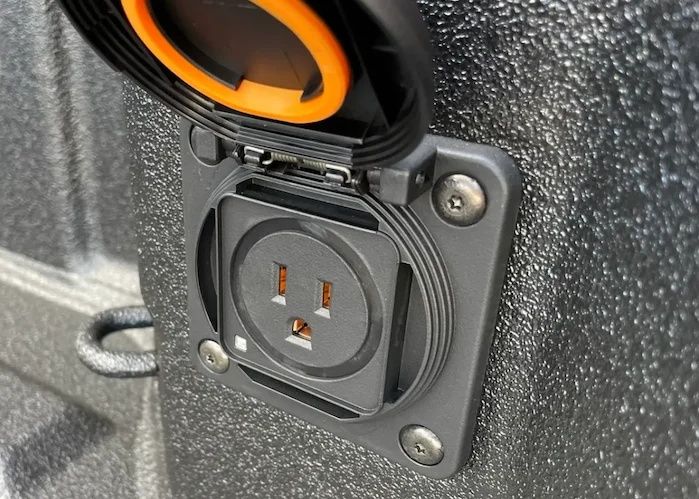
There are household power outlets in your truck bed.
Not USB ports. Not 12-volt sockets. Standard 120-volt three-prong outlets — the same outlets you have in your kitchen. The kind that run a circular saw, a work light, an air compressor, or a corded drill without adapters, inverters, or extension cords run from somewhere else.
The outlet is mounted in the bed wall. Weatherproof housing. Covers when not in use.
The people who use it most regularly are contractors who used to keep a generator in the truck bed for portable power — taking up space, adding weight, requiring fuel and maintenance.
The Silverado eliminated the generator.
Campers discovered it next. One outlet powering a small cooler and a lantern on a weekend trip is a different experience than the elaborate setup most people build around not having power.
The outlet is there. It’s been there since you bought the truck. If you’ve never plugged anything into it, now you know it exists.
16. Your Rearview Mirror Dims Automatically at Night
You’re on the highway. It’s 10 PM. The car behind you has its high beams on.
Standard response: reach up, flip the manual dimming tab on the rearview mirror, and spend the rest of the trip with a dimmed mirror that also dims headlights coming from the side.
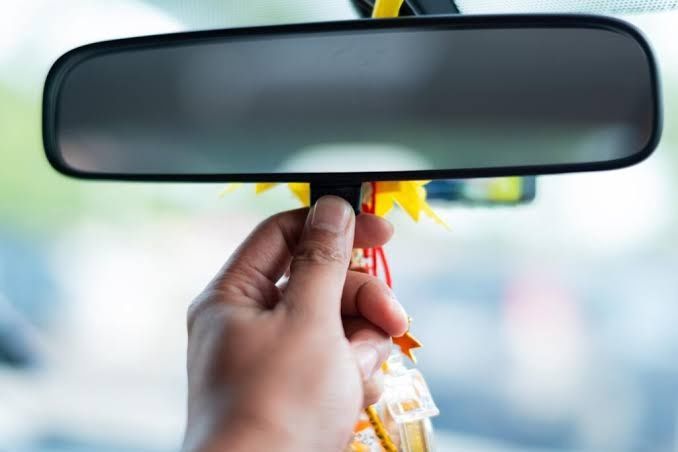
The Silverado’s auto-dimming rearview mirror does this without the flip.
A photo sensor in the mirror measures the intensity of light hitting it from behind. When a vehicle’s headlights exceed a threshold, the mirror dims. When the vehicle turns off or moves away, the mirror restores to full brightness.
This takes about half a second. You don’t touch anything.
The side benefit: you’re not driving around with a manually-dimmed mirror because you forgot to flip it back. The mirror is always at the right brightness for the current conditions.
Owners who didn’t know their mirror was auto-dimming sometimes think it’s broken — the tint seems to change on its own, and without knowing why, that can look like a defect.
It’s not a defect. It’s paying attention so you don’t have to.
17. The Rear Window Defroster Also Clears Your Side Mirrors
This one sounds too simple to be a feature anyone misses.
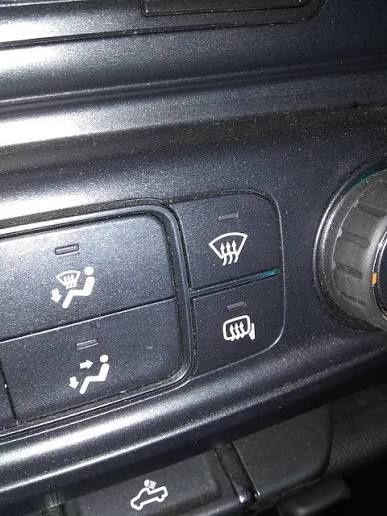
Here’s how it goes: cold morning, frost on everything. You press the rear defroster button on the climate panel. You wait for the grid lines on the back glass to do their work.
What most Silverado owners don’t realize is that the same button is simultaneously running current through the heating elements embedded in both side mirrors.
Both mirrors. At the same time as the rear window.
There’s no separate mirror defrost button. There’s no secondary step. The system wires the side mirrors to the same circuit as the rear glass, so pressing one button handles three surfaces simultaneously.
Owners who find this out after years of manually scraping side mirrors — while perfectly functioning heated mirrors waited for them to push a button they were already pushing for the rear window — tend to react with an expression that is difficult to describe in print.
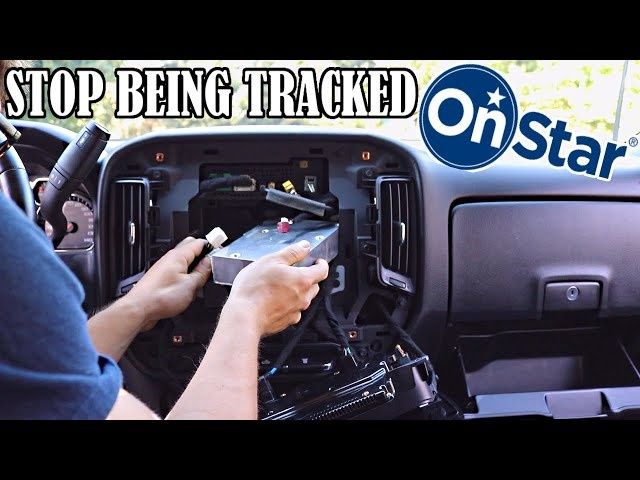
18. OnStar Can Start, Lock, and Find Your Truck From Anywhere
You’re three hours from home. You’re at dinner. You’re 90 percent sure you locked the truck.
Ten percent is a lot of uncertainty for a three-hour drive back.
With OnStar active, you open the myChevrolet app. You check the vehicle status. The app tells you whether the truck is locked or unlocked, whether the windows are up or down, and the last-known location of the vehicle.
If it’s unlocked, you lock it from the app. Done.
If it’s running — remote started by someone other than you, or you accidentally triggered it — you can stop it from the app.
If it’s been moved somewhere it shouldn’t be, the app shows you where it is.
This extends to the phone version: if OnStar active on your account, you can call them directly and they can unlock the truck, verify the location, or send a signal to the horn so you can find it in a parking structure by sound.
The subscription isn’t free forever. But during the trial period — which most new Silverados include – the number of owners who figure out even half of what the service can do is surprisingly low.
The people who use it fully treat it like a second set of eyes on the truck.
The people who don’t know about it are locked out of features they’ve already paid for.
That’s 18. Here’s What the Manual Never Tells You.
You’ve been driving a truck that was trying to help you the entire time.
The Teen Driver mode that was ready to monitor the first time you handed over the keys. The mirror defroster that was waiting for you to press the button you were already pressing. The valet mode that was there every time you handed a stranger your keys and hoped for the best.
Chevy put these things in the Silverado for a reason. Engineers argued for them in meetings. Product teams fought for them in budget reviews.
And then nobody mentioned them at the dealership, they didn’t make the brochure, and you drove home with a truck full of features you didn’t know you owned.
Now you know.
[← Back to Part 1: 9 Things Your Chevy Silverado Can Do That Nobody Told You About]
Got a Silverado feature we missed? Drop it in the comments. This list was built from owners across Reddit’s r/chevytrucks, Silverado Forum, dealer community blogs, and the Chevy enthusiast community. There’s always one more.